01 / writing
Markdown, as you read it.
Markup is hidden except on the line with the caret. Tables line up, paragraphs reformat to a margin, images show as pictures.
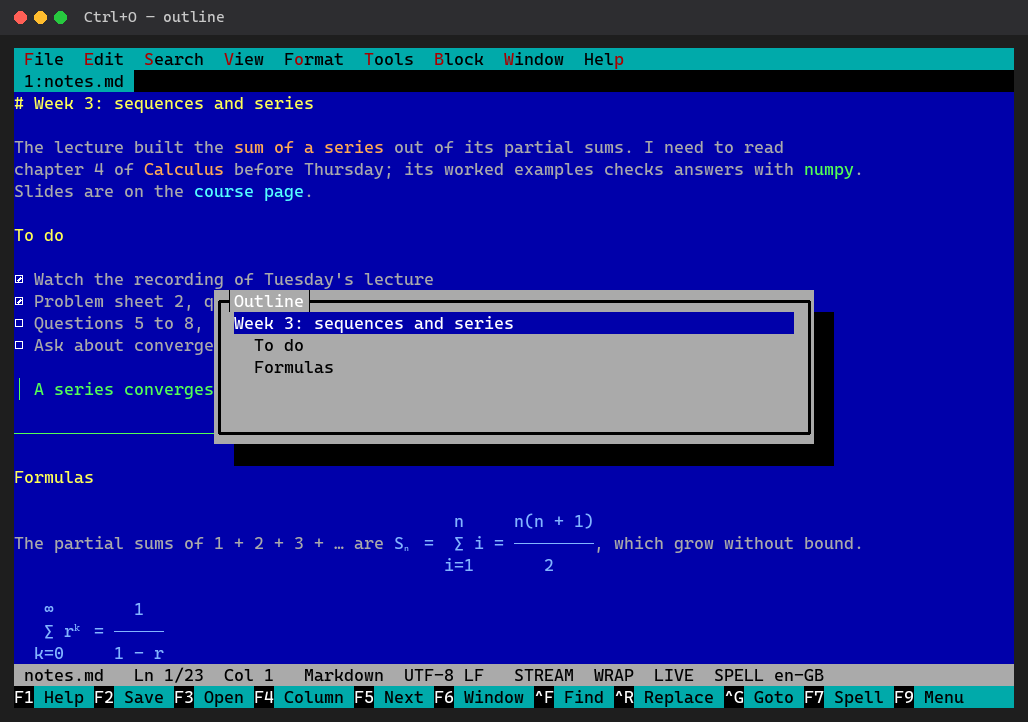
# Live preview
Headings, emphasis, links and lists look like what they are; the line you are on shows its markup so you can edit it. Spelling mistakes are underlined as you type.
- Ctrl+E the reading mode: no markup at all
- Source, live or reading:
markdownViewsets how files open
# Tables and code
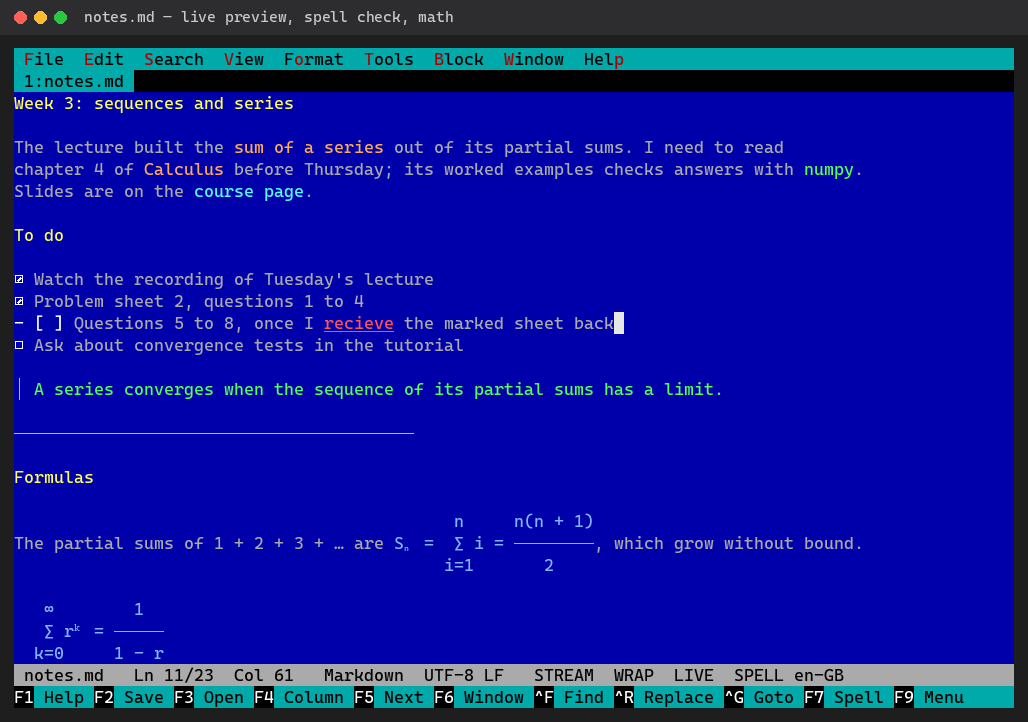
Tables aligned, code blocks highlighted by their language, wrapped list items hanging under their text.
- Alt+R reformats a paragraph to the margin; lists and quotes keep their marks
- Soft wrap (Alt+Z) only shows long lines wrapped, the file keeps them whole
# Images
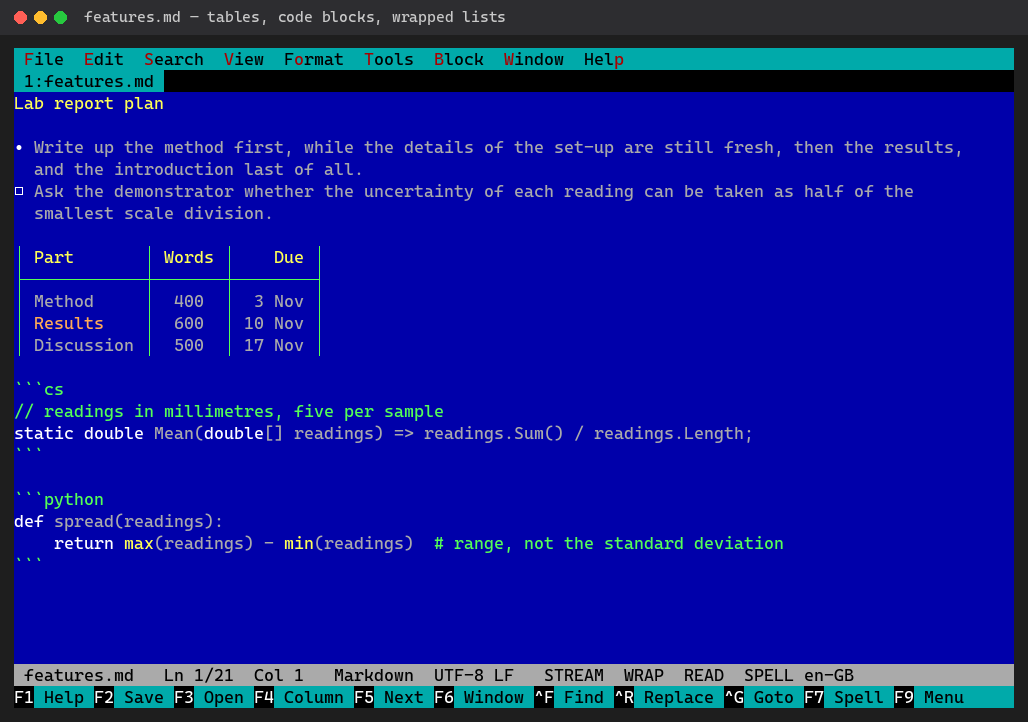
A line that is only an image,  or Obsidian's ![[diagram.jpg]], shows the picture, in terminals with Sixel graphics and with the optional formula pictures module.
# Safe with your files
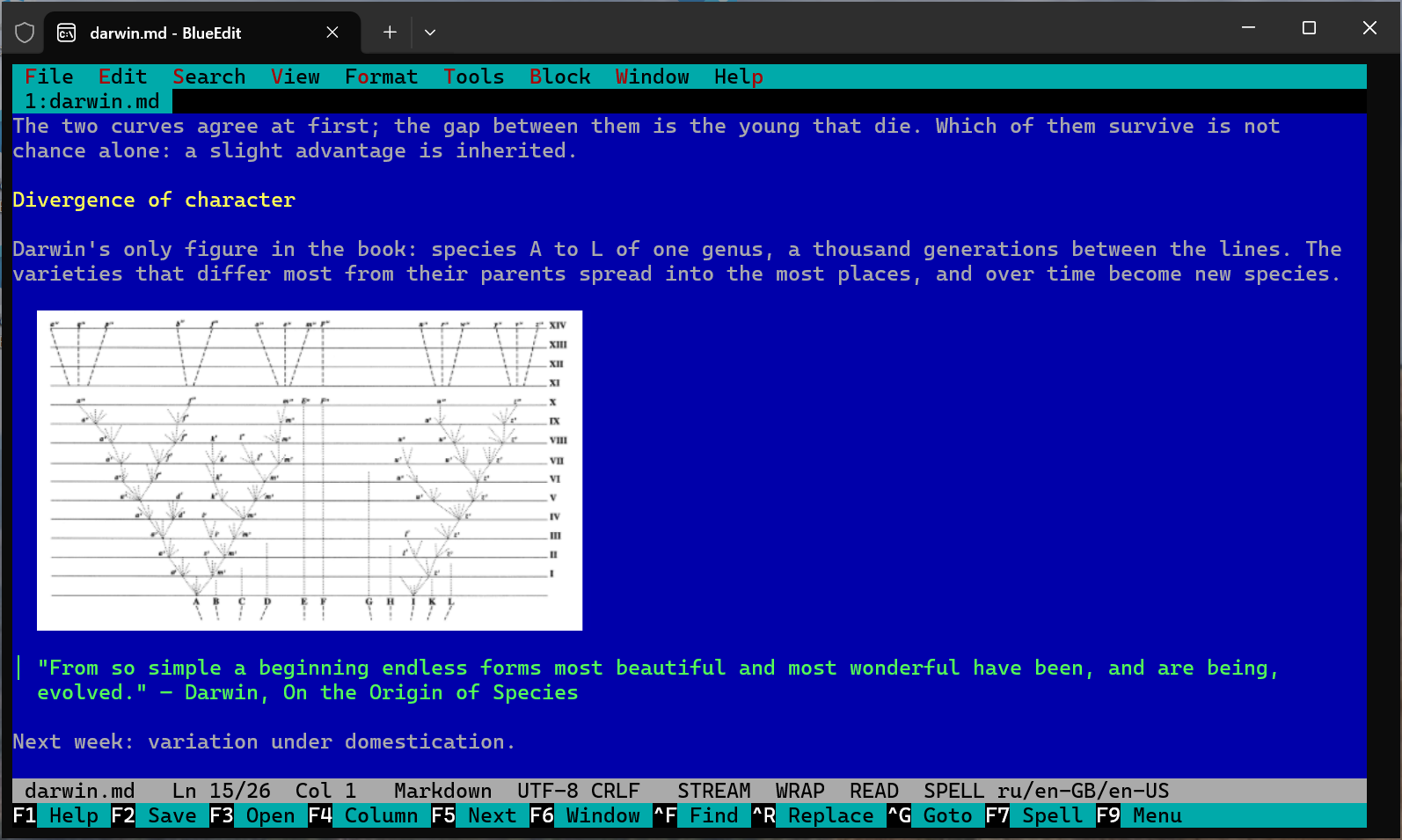
- A save writes a new file and then puts it in place: a power cut cannot leave half a file
- Unsaved edits are copied every 10 seconds and offered back after a crash
- A file changed by git or another program reloads; your edits stay one Ctrl+Z away
- Saved back in the encoding it was read in: UTF-8, UTF-16, cp1251, cp866, KOI8-R…