The text editor for your terminal.
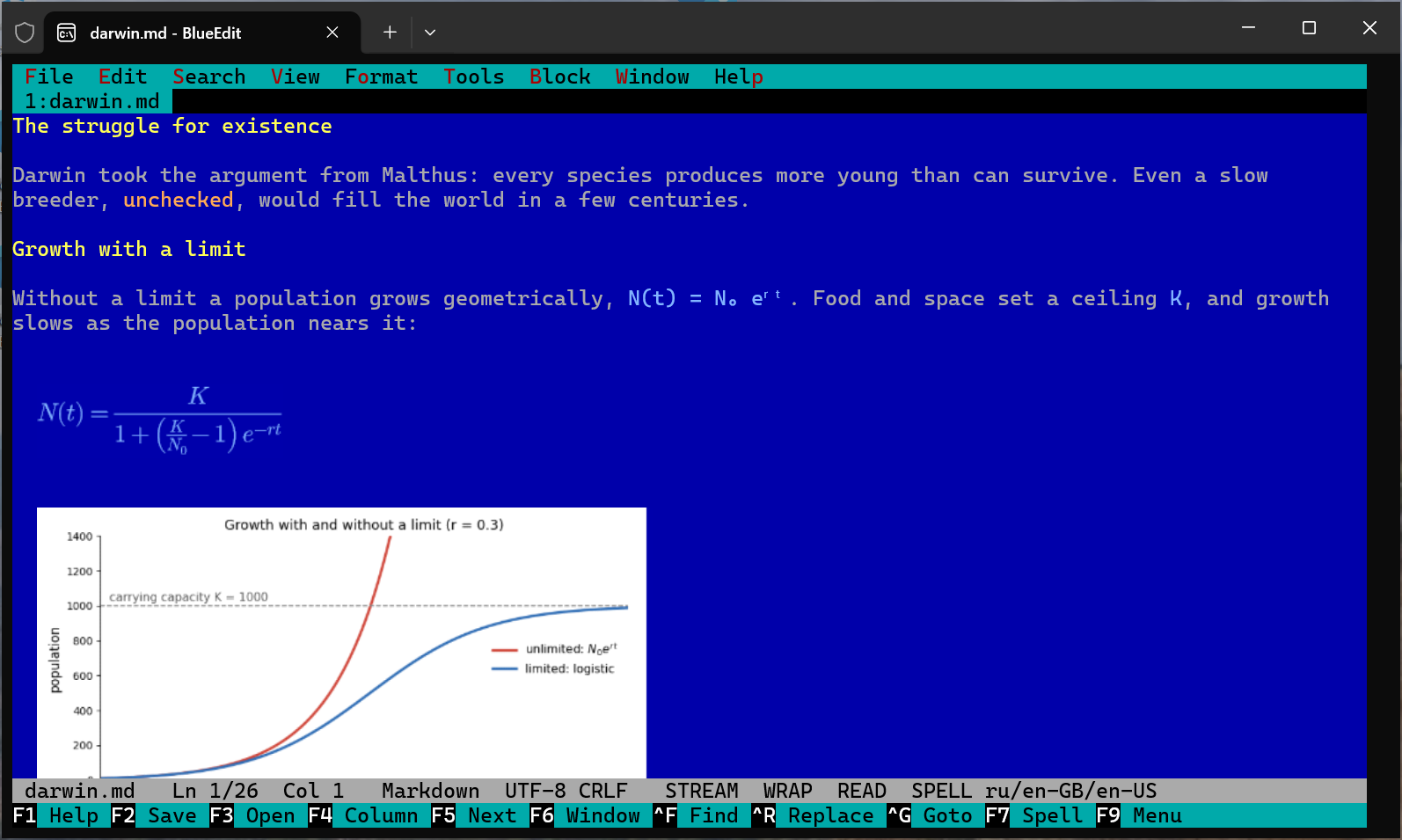
For writing, mathematics and code, on Windows and Linux. Markdown with a live preview, formulas as pictures, grammar checking and language servers, in the terminal you already have open.
# What it does
Writing
Markdown as you read it, a reading mode, tables, images, paragraphs to a margin.
writing ›Mathematics
LaTeX made readable: Unicode inline, display formulas laid out or typeset as pictures.
maths ›Checking
Spelling with the computer's dictionaries; grammar from the checker you choose.
checking ›Code
Highlighting, completion, errors and definitions from language servers.
code ›# In the terminal you use
A console program, not a window of its own: it runs where your shell runs, at the desk or over SSH. The command is be, as mc is Midnight Commander.
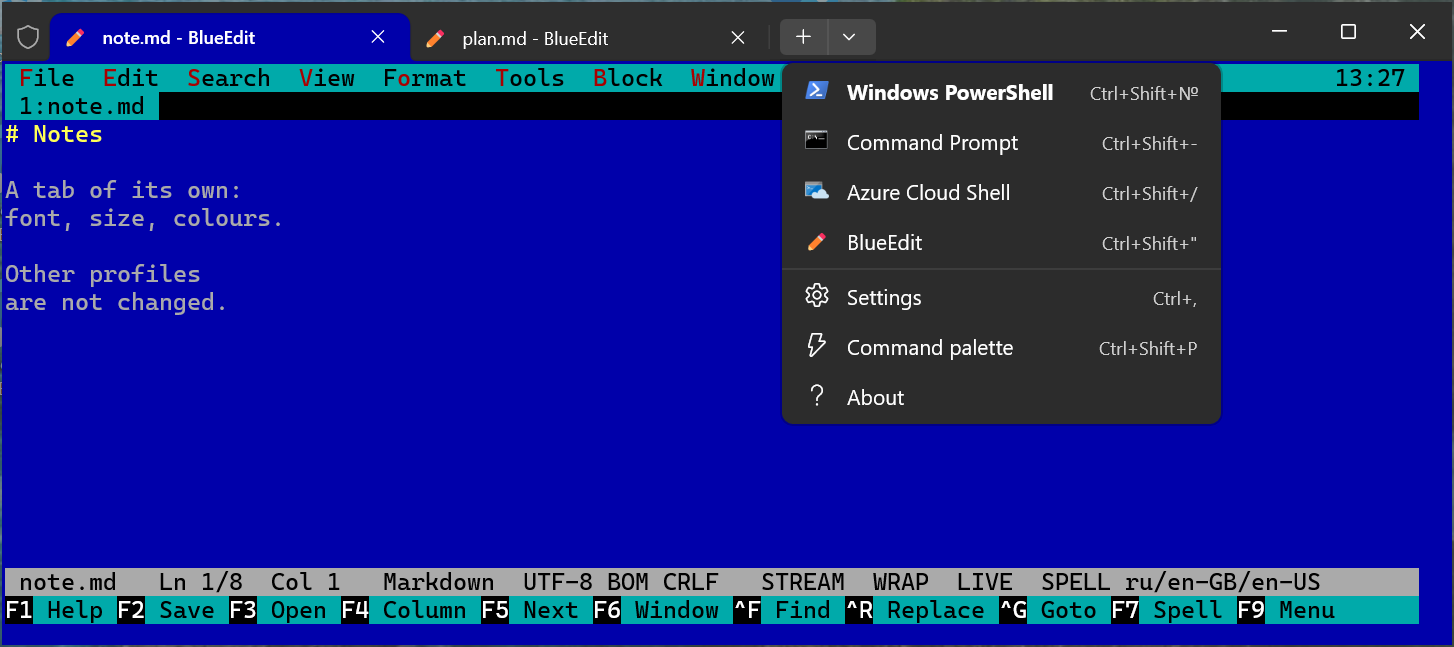
Windows Terminal
An entry of its own in the new tab menu, with its font and colours. Formula pictures through Sixel graphics.
Linux terminals
.deb and .rpm packages, or one binary. Shortcuts in any keyboard layout through the kitty keyboard protocol.
Over SSH
Checkers and language servers install from the command line: be --install-tools.
As $EDITOR
For git commits and coding assistants that open your editor; Shift+F10 saves all and exits.