# the installer: for your user, no administrator rights; adds `be` to PATH and the Start menu
blueedit-0.4.9-win-x64-setup.exe
# or the zip: one be.exe to put anywhere, nothing installed
blueedit-0.4.9-win-x64.zip
$ curl -LO https://blueedit.uk/download/blueedit_0.4.9_amd64.deb
$ sudo apt install ./blueedit_0.4.9_amd64.deb
$ be notes.md
$ curl -LO https://blueedit.uk/download/blueedit-0.4.9-1.x86_64.rpm
$ sudo dnf install ./blueedit-0.4.9-1.x86_64.rpm
$ be notes.md
$ curl -LO https://blueedit.uk/download/blueedit-0.4.9-linux-x64.tar.gz
$ tar xzf blueedit-0.4.9-linux-x64.tar.gz
$ ./be notes.md
The Windows files are not signed, so the first start may say "Windows protected your PC": More info › Run anyway.
# First steps
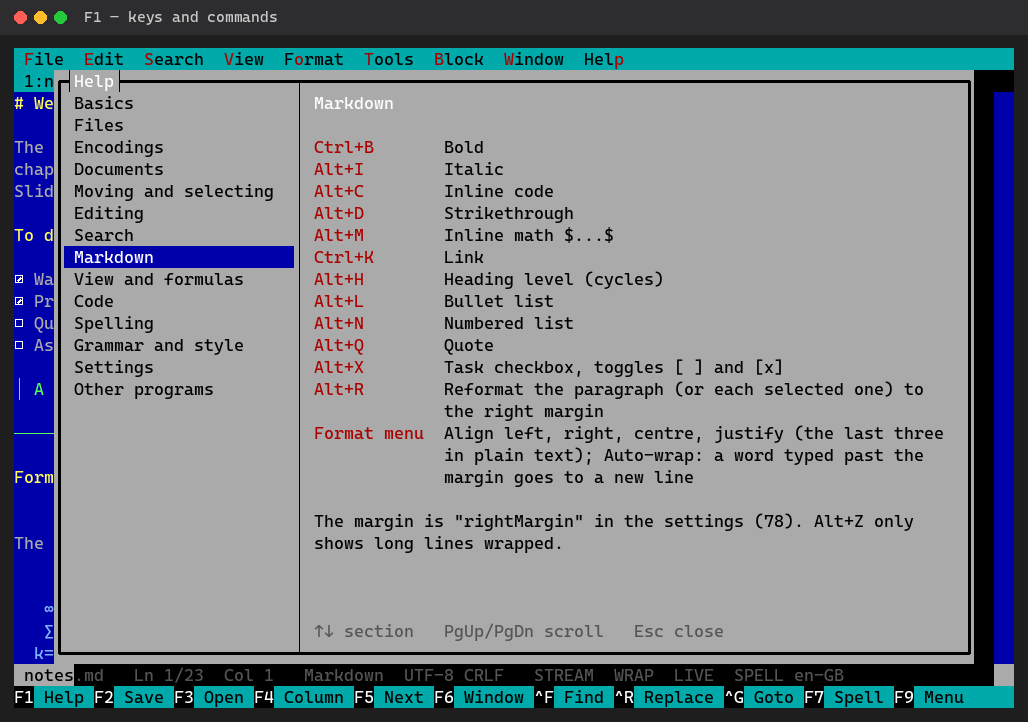
be notes.mdopens a file,bealone then F3- F9 the menus, F1 the help with every key
- F2 saves, F10 quits
- Spelling works at once; grammar is Tools → Set up grammar checking
# Formula pictures
An optional module for typeset formulas and images: for Windows, for Linux. Where it goes: docs/formula-pictures.md.