04 / code
Language servers, as in VS Code.
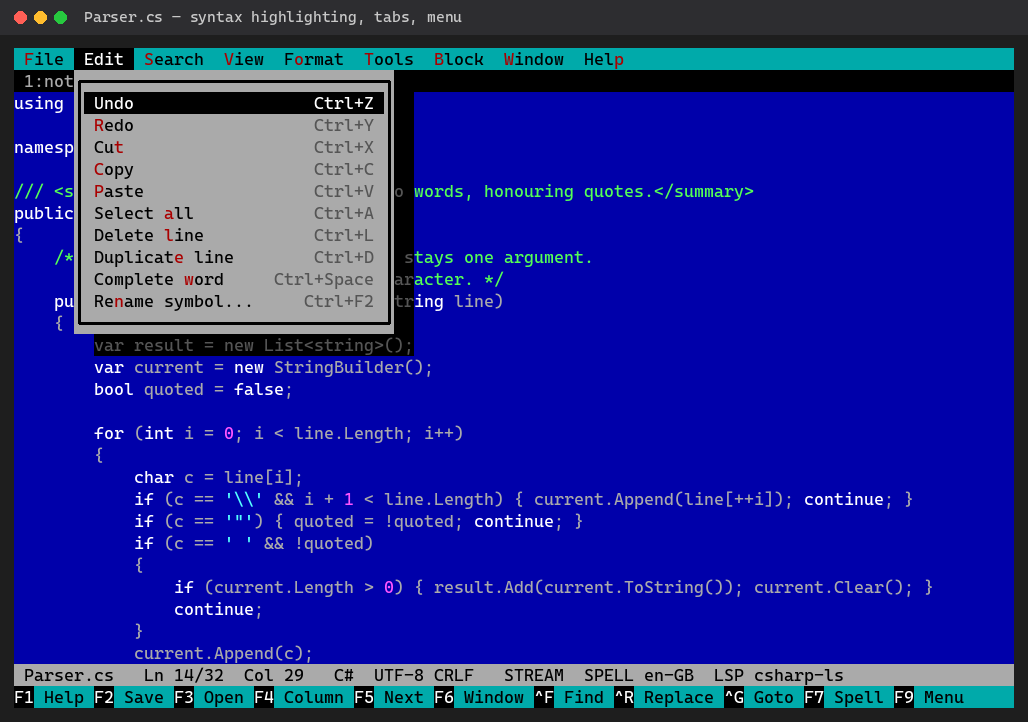
Syntax highlighting for about twenty languages; errors, completion and definitions from pyright, csharp-ls, TypeScript, or any LSP server you name.
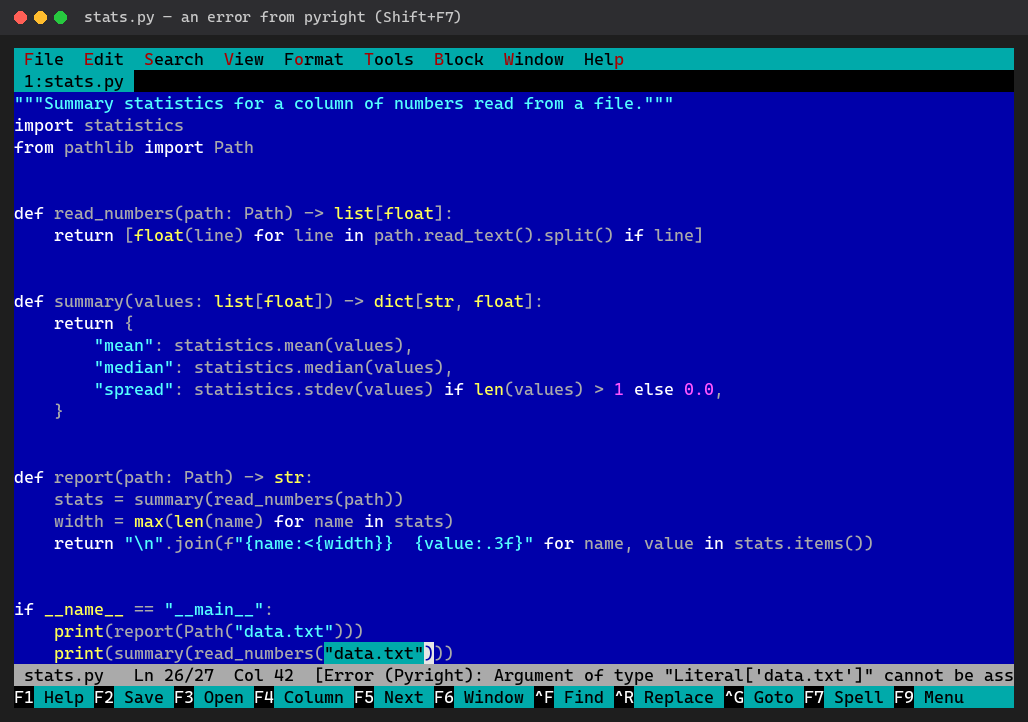
# Errors as you type
Underlined while you type; the status line shows the server and the counts.
- Shift+F7 next error, F7 the server's fixes
- Ctrl+F12 formats the file (the server, or ruff / black)
# Find your way
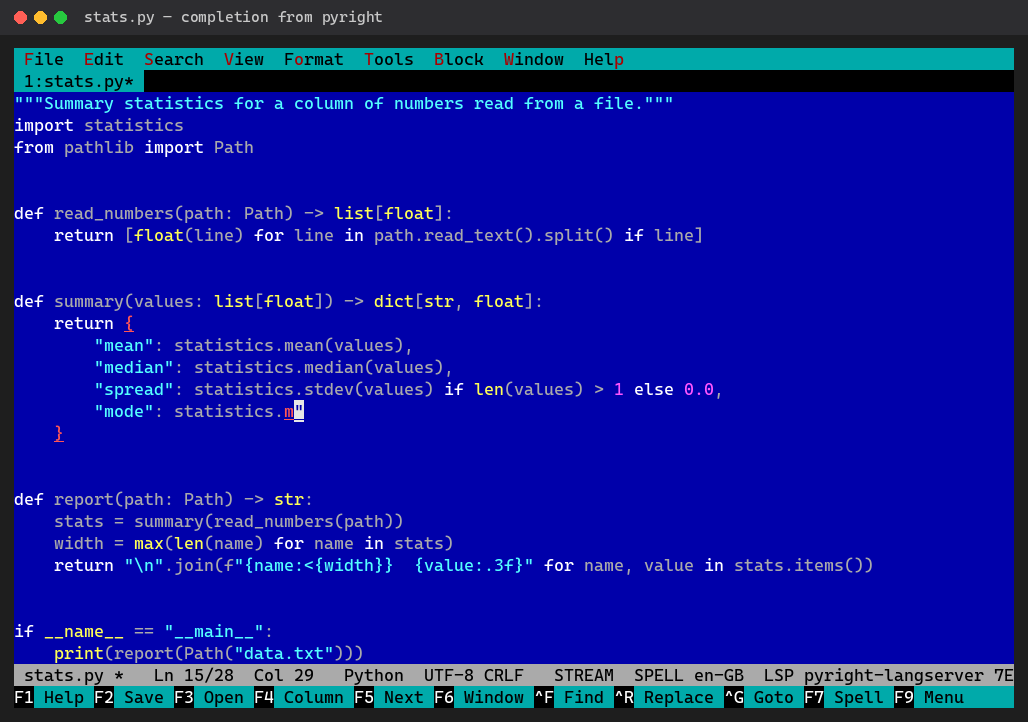
- After a dot, the server's members with their kinds
- F12 definition, Shift+F12 back
- Alt+F12 references, Ctrl+F2 rename in every file
- Ctrl+O outline, Alt+F1 what the server knows
# Installed from the menu
Tools → Code tools lists pyright, ruff, csharp-ls and TypeScript, and installs them into the editor's own folder: no administrator, no system packages, every download checked against its checksum. On a server over SSH: be --install-tools.