Spelling, grammar, style.
Spelling with the dictionaries already on the computer. Grammar from the checker you choose. Typing never waits for any of them.
# Spelling
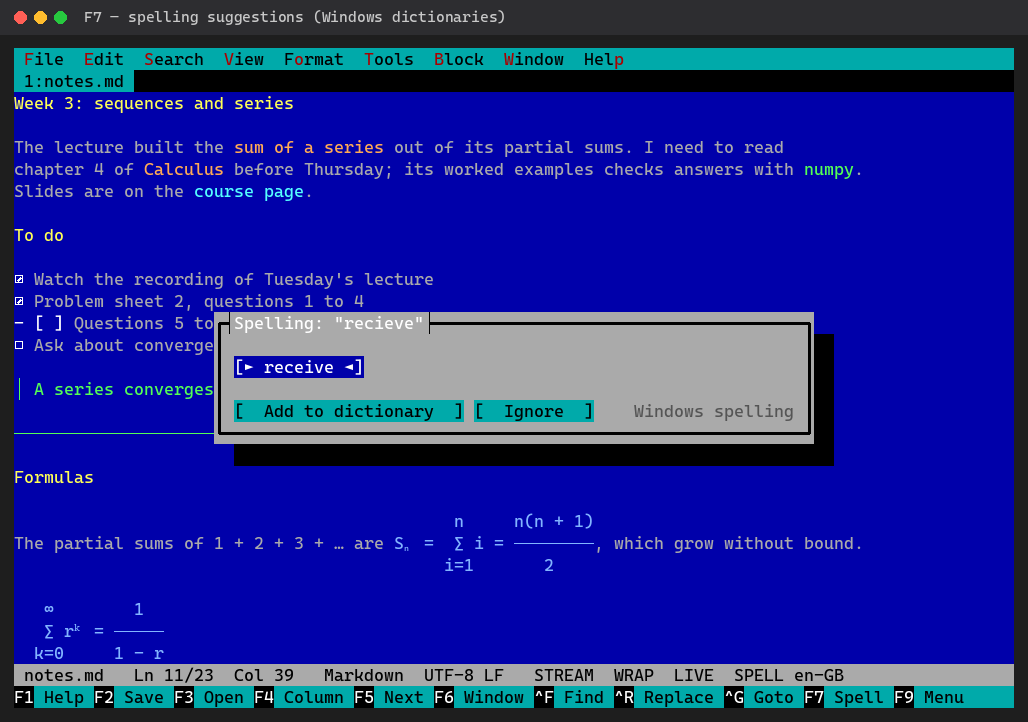
Underlined as you type, with Windows' own dictionaries, Microsoft Word's, or LibreOffice's (Hunspell, always on Linux).
- F7 on a word: fixes and Add to dictionary
- Shift+F7 goes to the next problem
- A word typed partly in the other keyboard layout is always marked
# Grammar
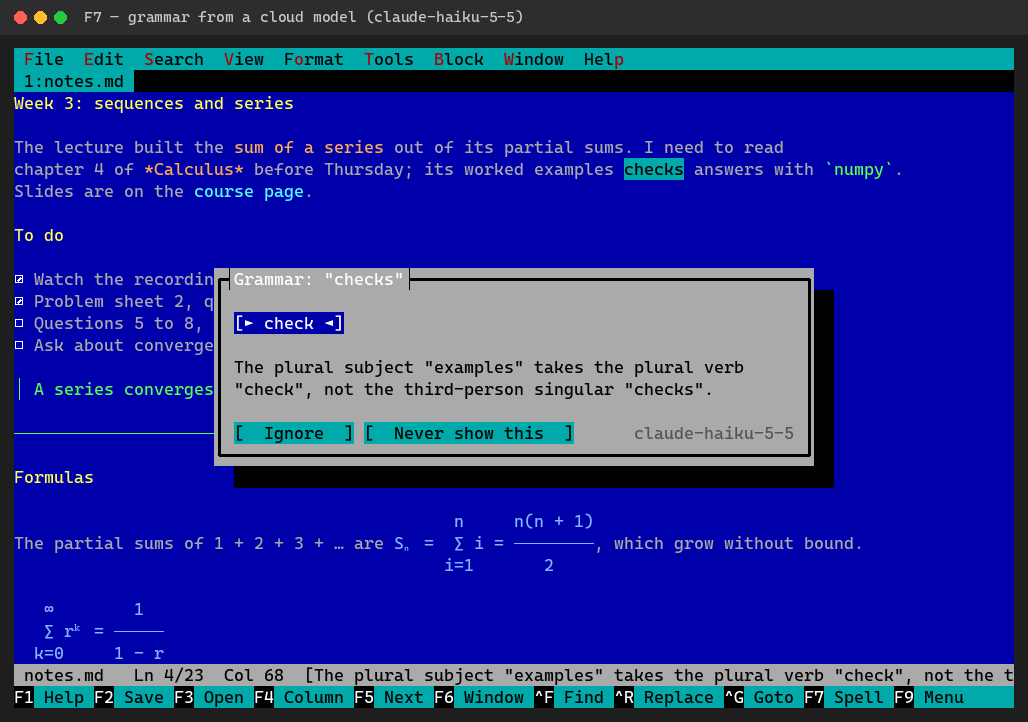
F7 on an underline gives the fix and says why. Each paragraph is checked in its own language.
- LanguageTool or Harper: rules, no model, no GPU
- An open model on your own video card, or Ollama, LM Studio
- A cloud service with your key: OpenAI, Claude, Gemini, DeepSeek
Local checkers keep your text on the computer; a cloud service gets only the paragraphs being checked.
# Set up from the menu
Tools → Set up grammar checking lists what fits your computer: a model with its size and licence only where the video card has the memory, the services and their models, LanguageTool or Harper. The editor installs it and turns it on; Remove… takes it back. Ctrl+F7 asks the model for a better wording of a paragraph, and you tick which changes to take.